How to keep track of daily expenses without giving up after a week
Almost everyone who starts tracking expenses quits within a month, and it is rarely a discipline problem. It is a method problem: the system asks for too much work per expense. Here is a method designed around the reasons people actually quit.
Step 1: Log at the moment of payment, not at the end of the day
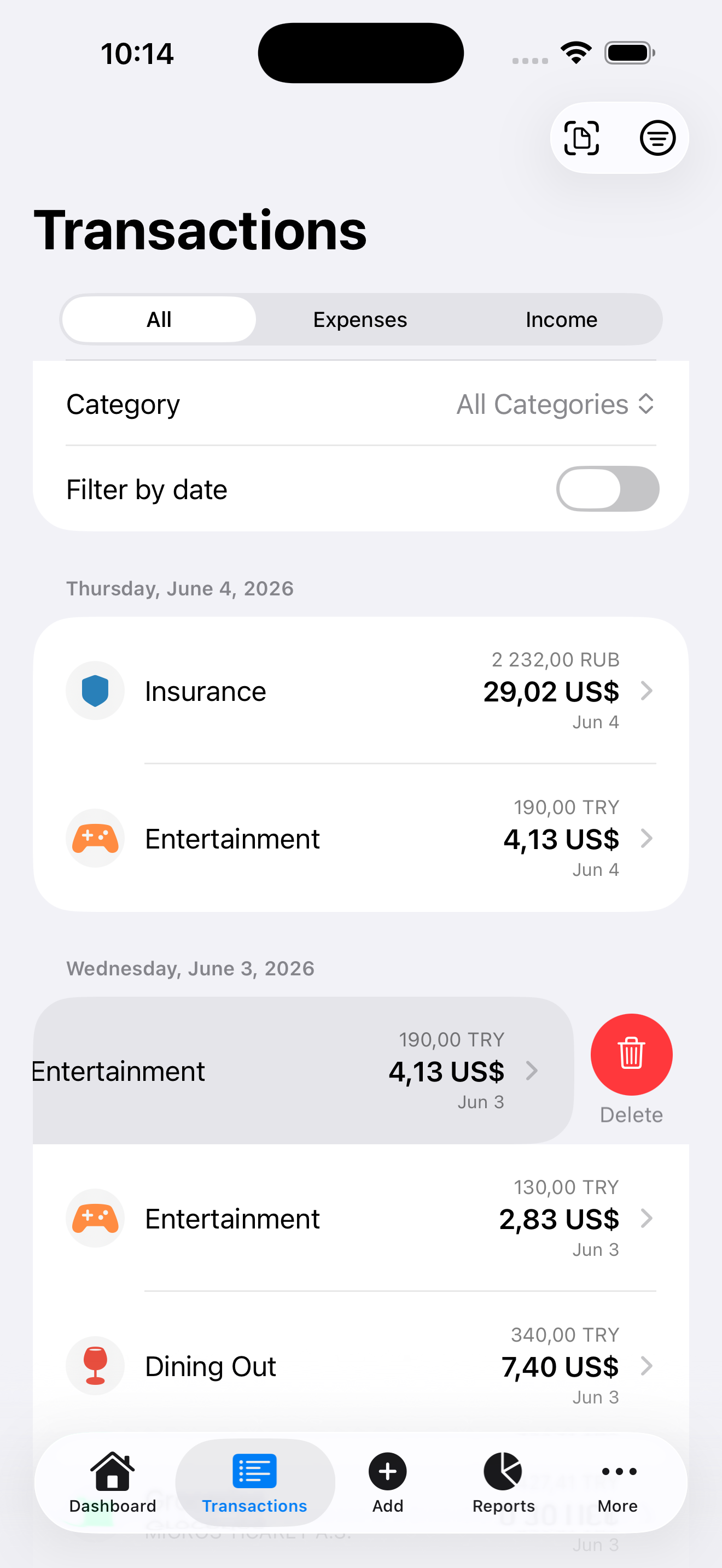
"I'll enter everything tonight" is how tracking dies. By evening you have forgotten two purchases and the whole record feels unreliable, so you stop trusting it, then stop doing it. The fix is to make logging cheaper than remembering: amount, category, done - in under ten seconds, while you are still standing at the counter.
Step 2: Use fewer categories than you think you need
Twenty categories means twenty decisions per day. Start with six to eight: groceries, eating out, transport, home, fun, health, everything-else. You can always split a category later when it grows big enough to be interesting. You cannot easily recover from category fatigue.
Step 3: Capture cash and receipts immediately
Card spending at least leaves a trace in your bank app. Cash leaves nothing. Treat cash payments as the highest-priority thing to log, and use receipts as a shortcut: photograph them and let a receipt scanner pull out the amount and date, so long receipts cost you one tap instead of typing.
Step 4: Give the numbers one job: answer "am I on track?"
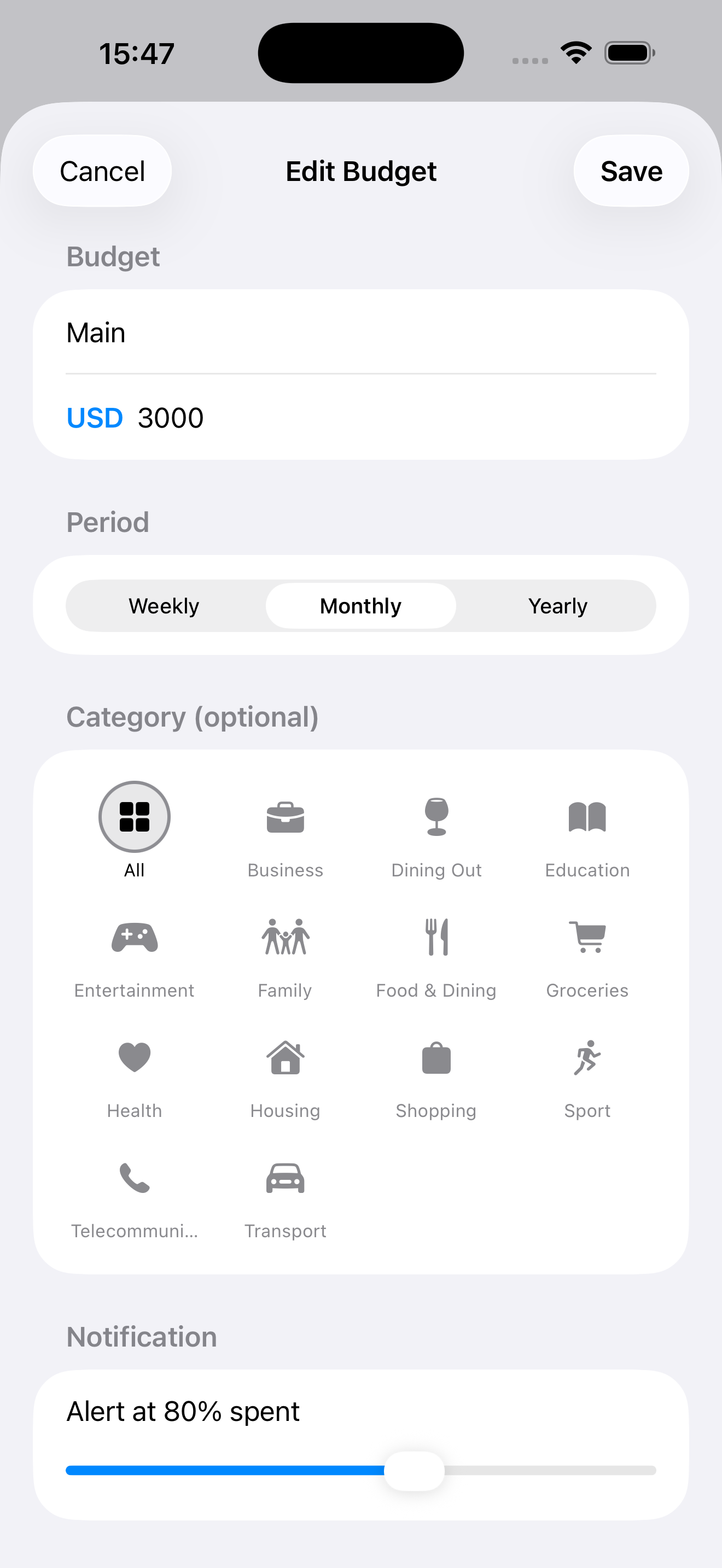
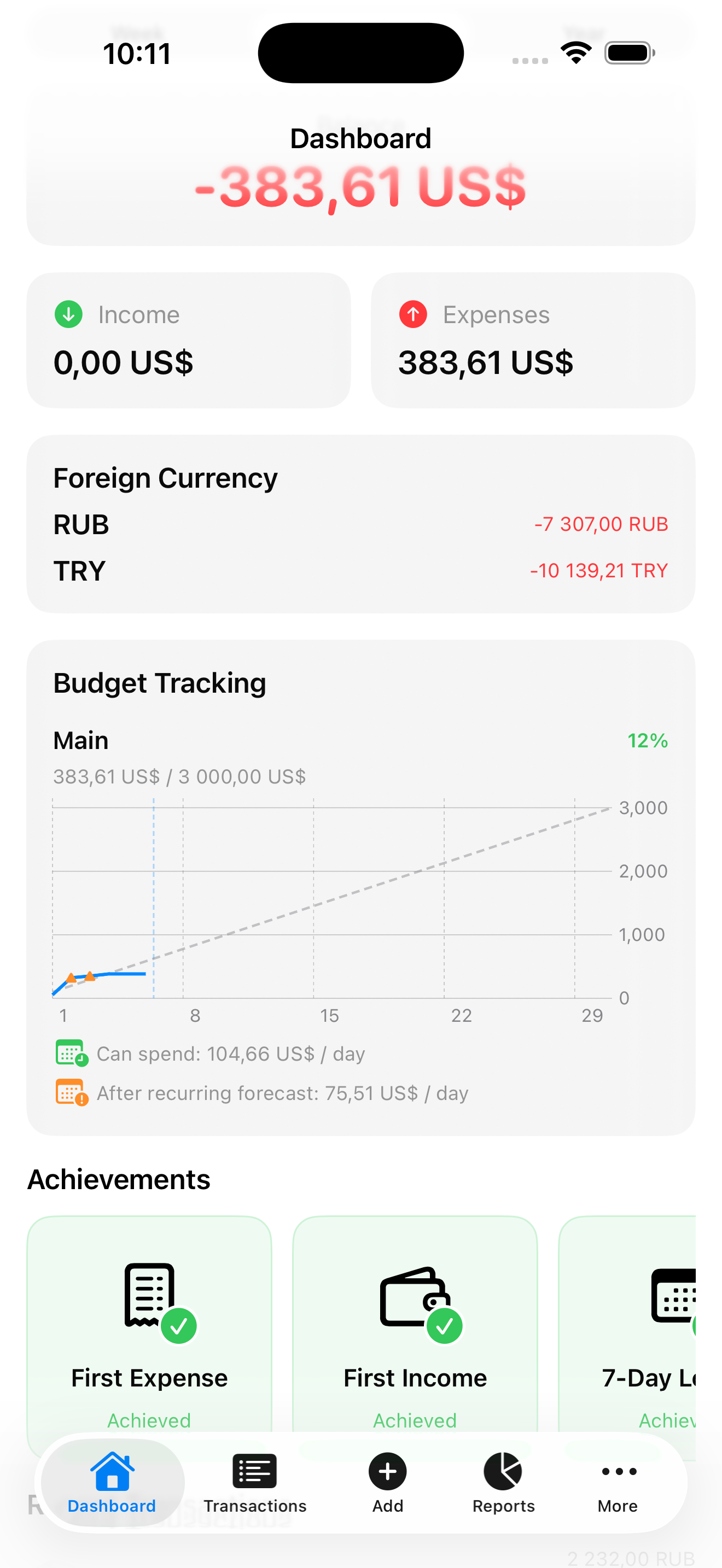
Raw lists of expenses are demotivating - the point of a daily spending tracker is the monthly picture. Set one monthly budget. Every day, the only question that matters is whether the pace of spending fits the budget. If your tool shows that on one screen, you will keep opening it.
Step 5: Review weekly, adjust monthly
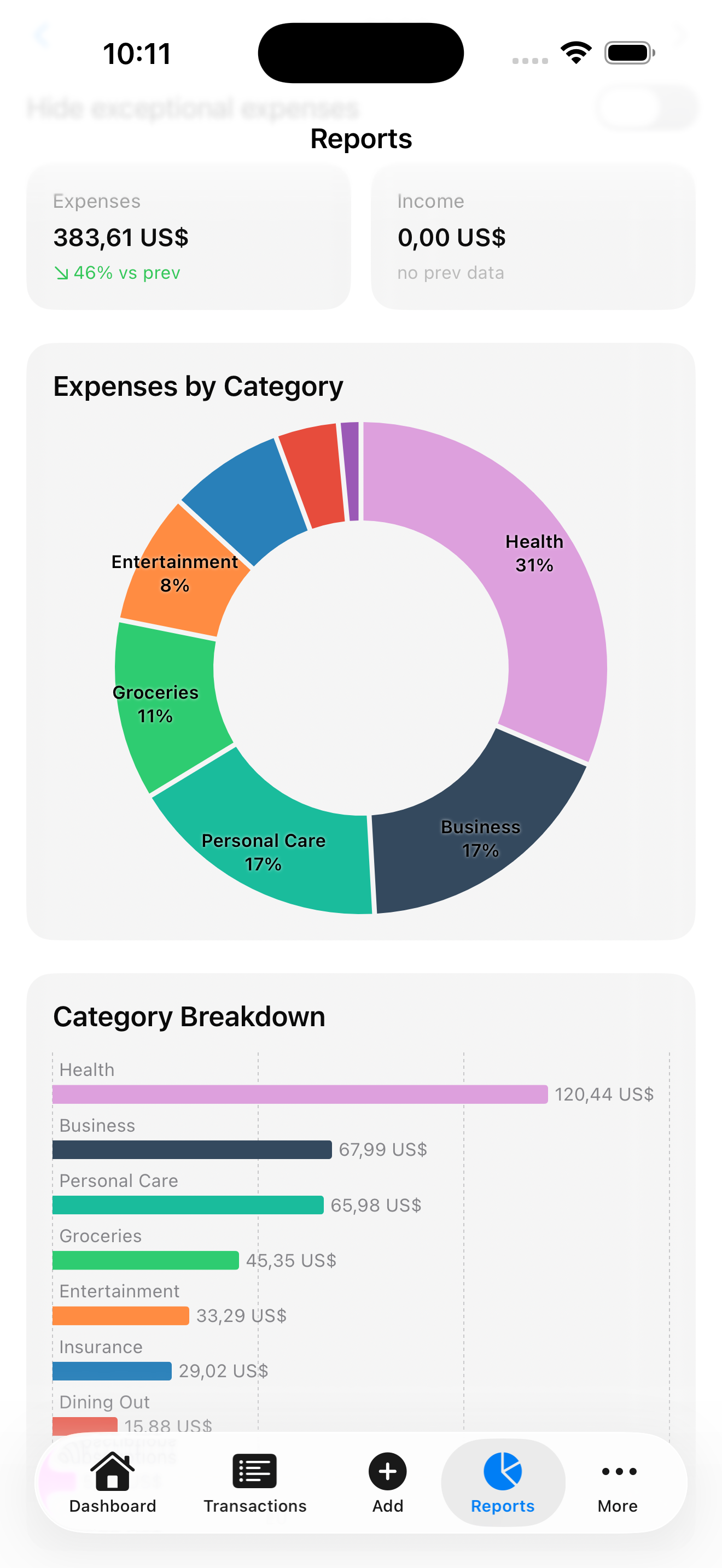
Once a week, spend two minutes scanning the category totals. Once a month, adjust the budget and categories to match reality instead of aspiration. If eating out always overshoots, raise it and cut somewhere else - a budget you always fail is a budget you will abandon.
Do you need an app for this?
You can do all of the above with a notebook or a spreadsheet. An app earns its place by cutting the per-expense cost: entry in seconds, receipt scanning, automatic totals, and a budget bar that answers "am I on track?" at a glance. That is exactly what KashLog is - a simple expense tracker app with no account and no financial data collection, free during beta on iOS.