A simple app to track expenses without spreadsheets
Spreadsheets are great at math and terrible at habits. If your expense tracking lives in Excel, it happens once a week at best - long after you forgot what that 14.50 was for. Here is how a simple tracking app changes that, and when each option makes sense.
Download KashLog on the App StoreSpreadsheet vs. expense tracker app
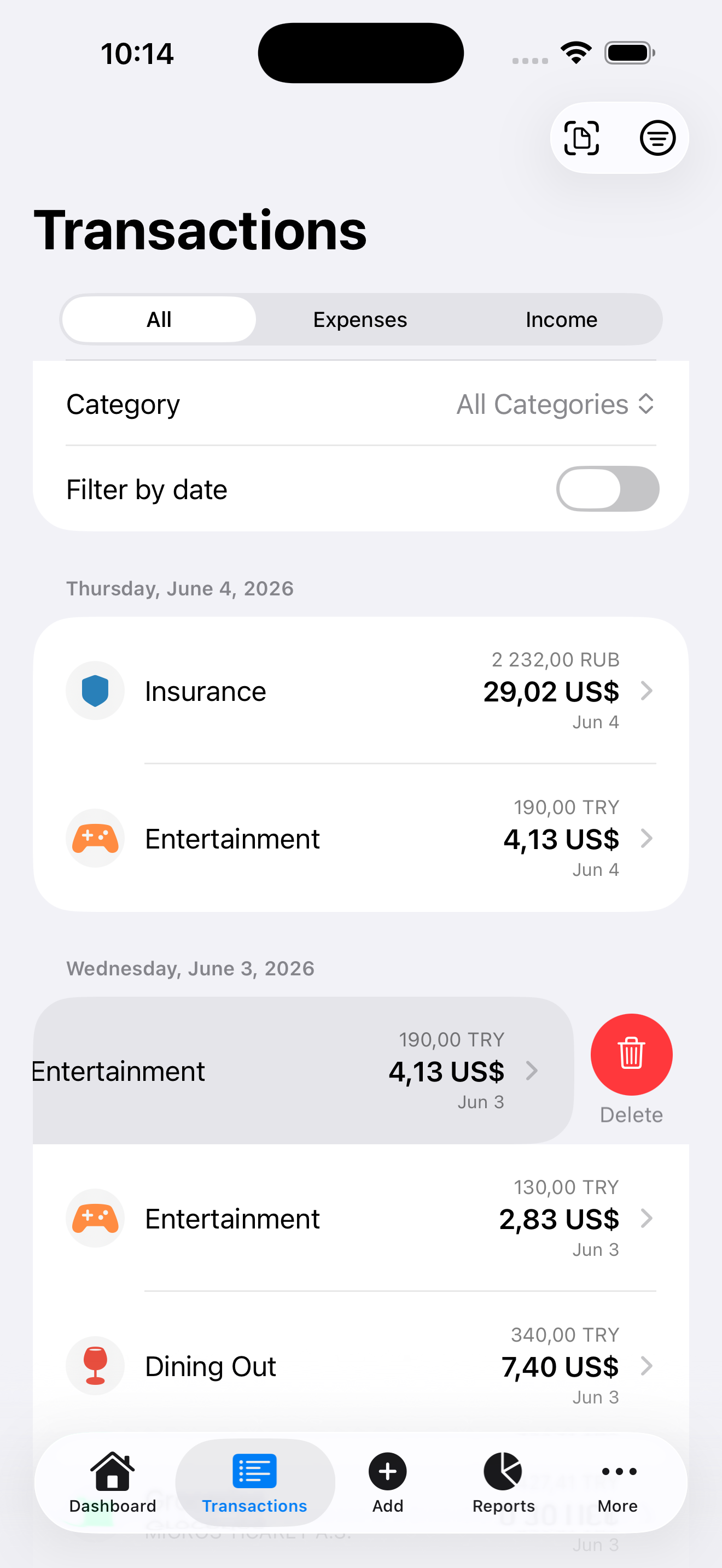
- Entry moment. A spreadsheet needs a desk and memory. An app is in your pocket at the checkout - the expense is logged before the receipt hits the bag.
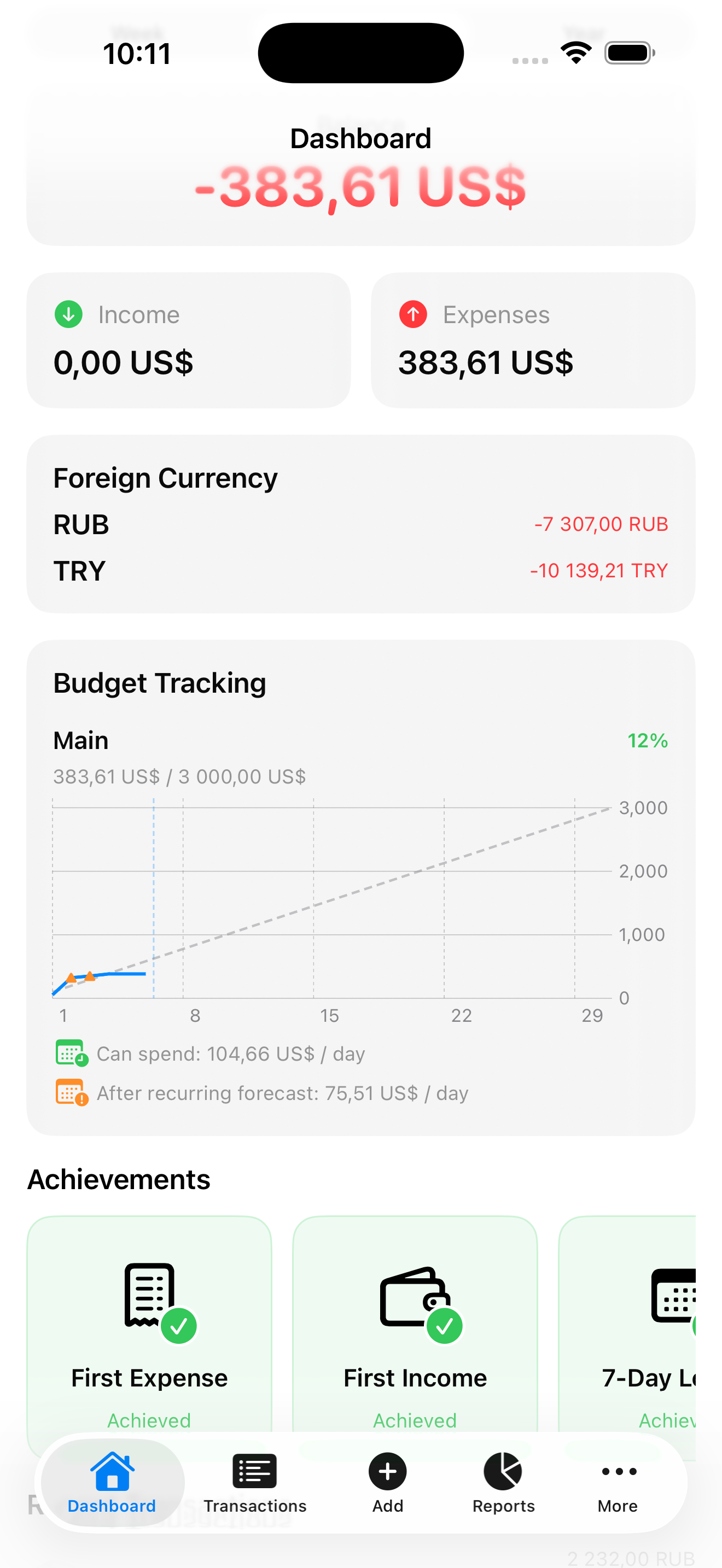
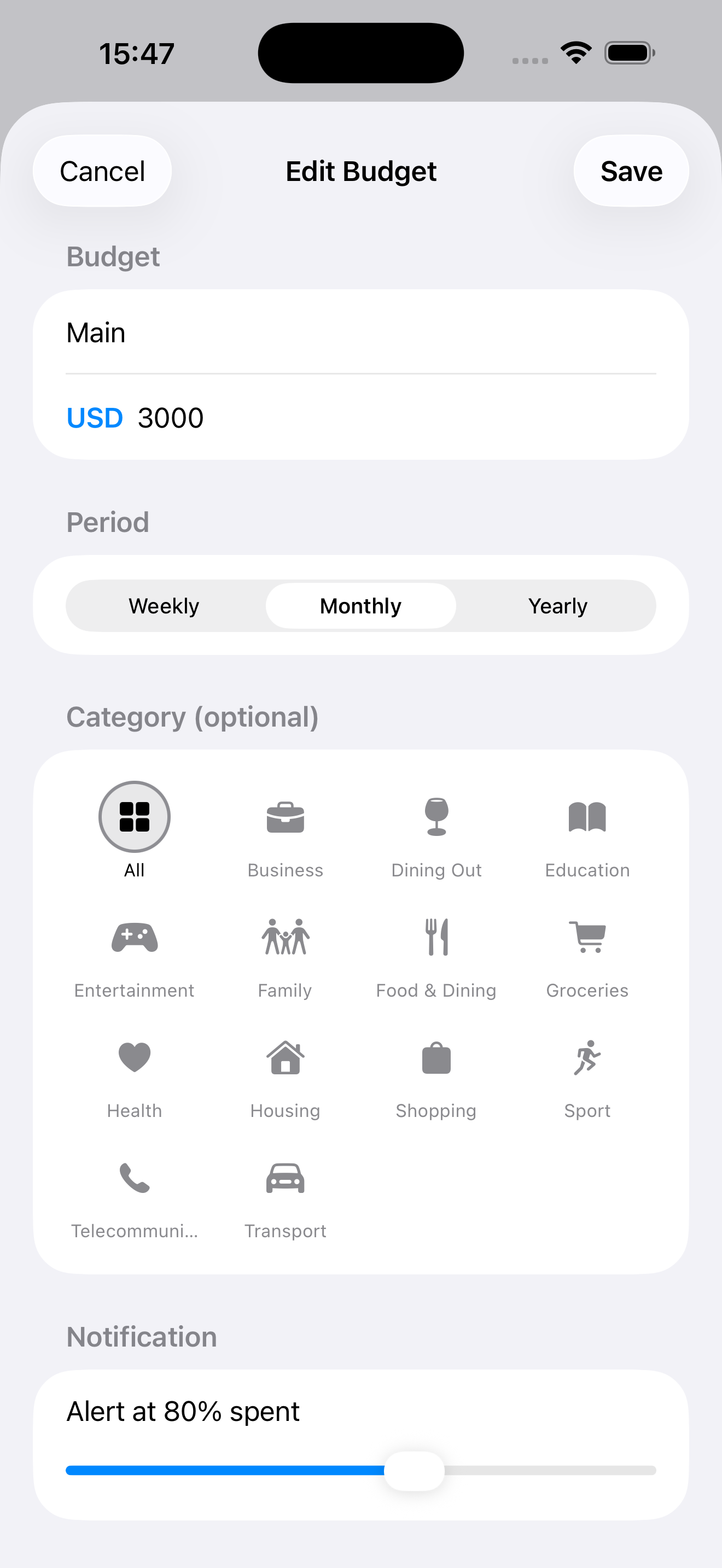
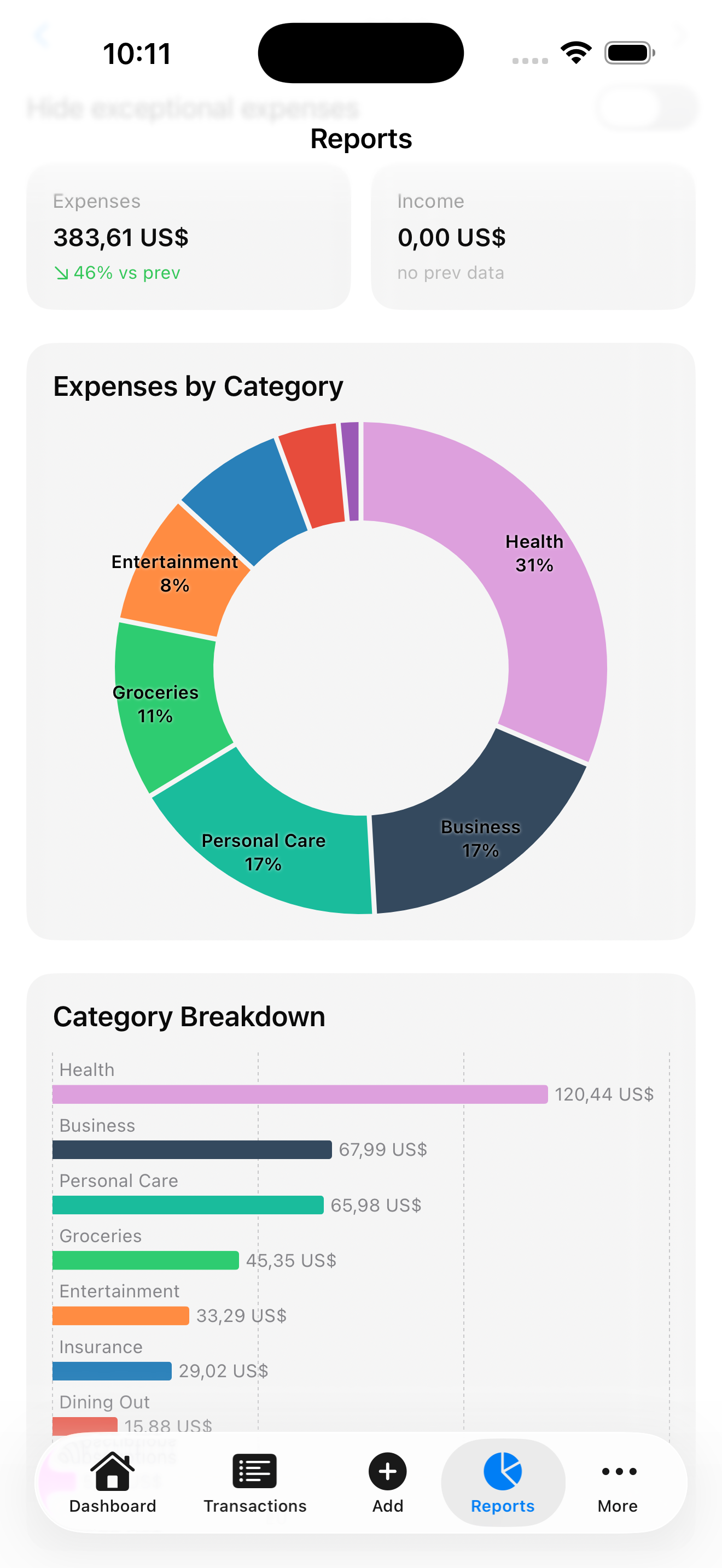
- Categories and math. In Excel you build and maintain formulas. In KashLog categories, monthly totals, and budget progress are already there.
- Receipts. A spreadsheet cannot read a receipt. KashLog's receipt scanner pulls the amount and date from a photo.
- Export. You lose nothing: KashLog exports to CSV any time, so your spreadsheet can stay as the archive, not the entry form.
Why not just use the banking app?
Bank statements show where money left your account, not what it was for. Cash disappears entirely, split purchases stay one blob, and categories are guessed by the bank. Logging expenses yourself takes a few seconds and gives you categories that match how you actually think about spending.
Why not a full budgeting suite?
Heavyweight budget software wants your bank credentials, a monthly subscription, and an evening of setup. That is the right tool for zero-based budgeting across a family. If what you want is to know where your money goes day to day, it is more machinery than the job needs - and the setup cost is exactly why people quit.
Who KashLog fits
- You tried spreadsheets and stopped updating them after a few weeks.
- You want daily spending visibility and one monthly budget number, not double-entry bookkeeping.
- You pay in cash sometimes, or in more than one currency.
- You do not want your financial data on someone's server. KashLog has no account and collects no financial data.