Receipt scanner and expense tracker in one simple app
Most receipt scanner apps stop at the scan: you get a PDF archive and still have to type the expense somewhere. KashLog goes the other way - the scan is just the fastest way to log an expense, and it lands directly in your budget.
Download KashLog on the App Store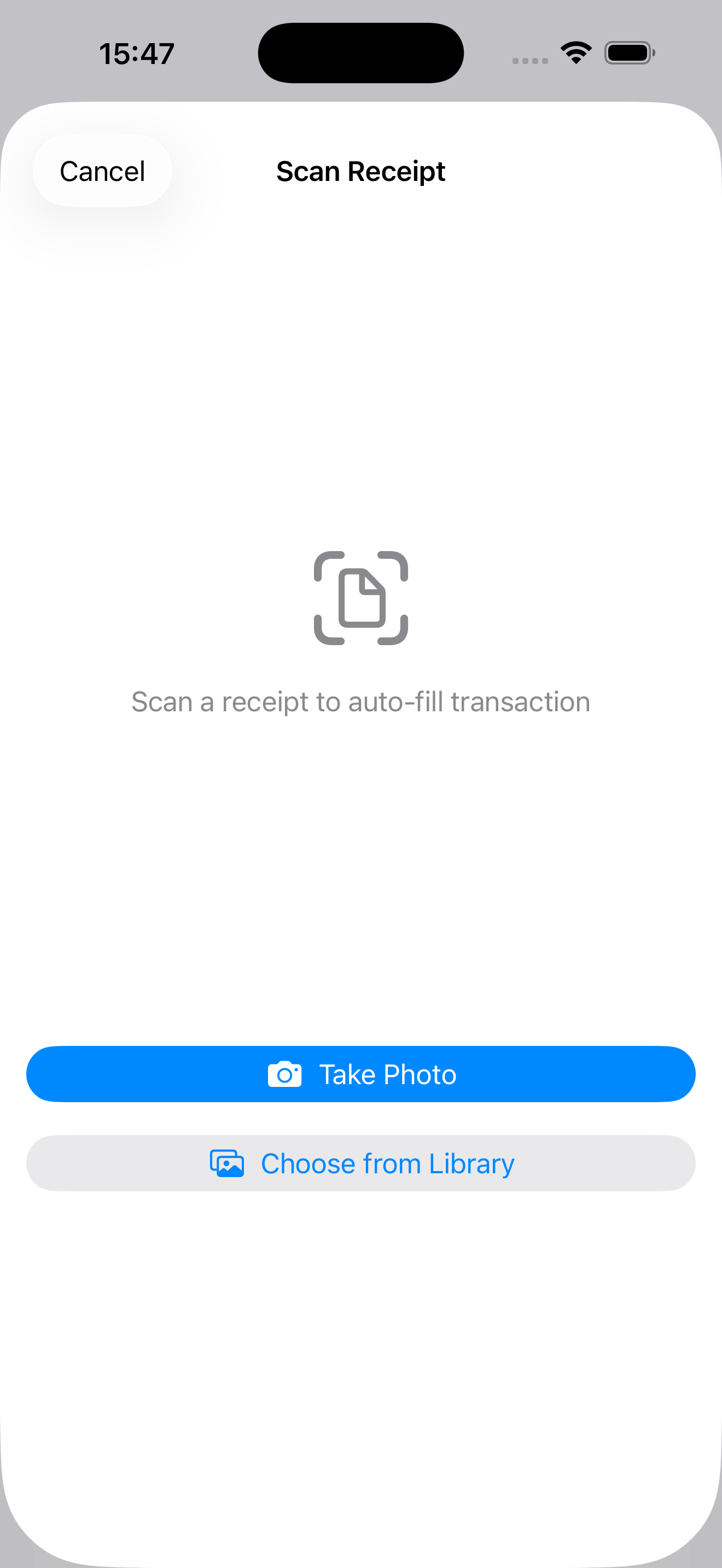
What the scanner reads
- The real total. Score-based ranking picks the amount you actually paid, filtering out tax lines, VAT breakdowns, and per-item prices that fool naive OCR.
- Date and currency. The transaction date and currency are detected from the receipt itself, with keyword support for common receipt languages.
- Everything editable. The scan pre-fills the expense form; you confirm or fix in one glance before saving.
On-device OCR, not a cloud service
Recognition runs on your iPhone using Apple's Vision framework. Receipt photos and their contents are never uploaded to KashLog servers - there are no KashLog accounts and no financial data collection at all. For a record as detailed as your receipts, that difference matters.
Scan when you have a receipt, log manually when you don't
Receipts are a shortcut, not a requirement. Cash from a street vendor, a quick transfer, a coffee - type those in seconds or add them with Siri. The scanner earns its keep on long grocery receipts and foreign-language receipts while traveling, where typing is slow and error-prone. Together they make a simple expense tracker that fits how you actually pay.
From scan to monthly clarity
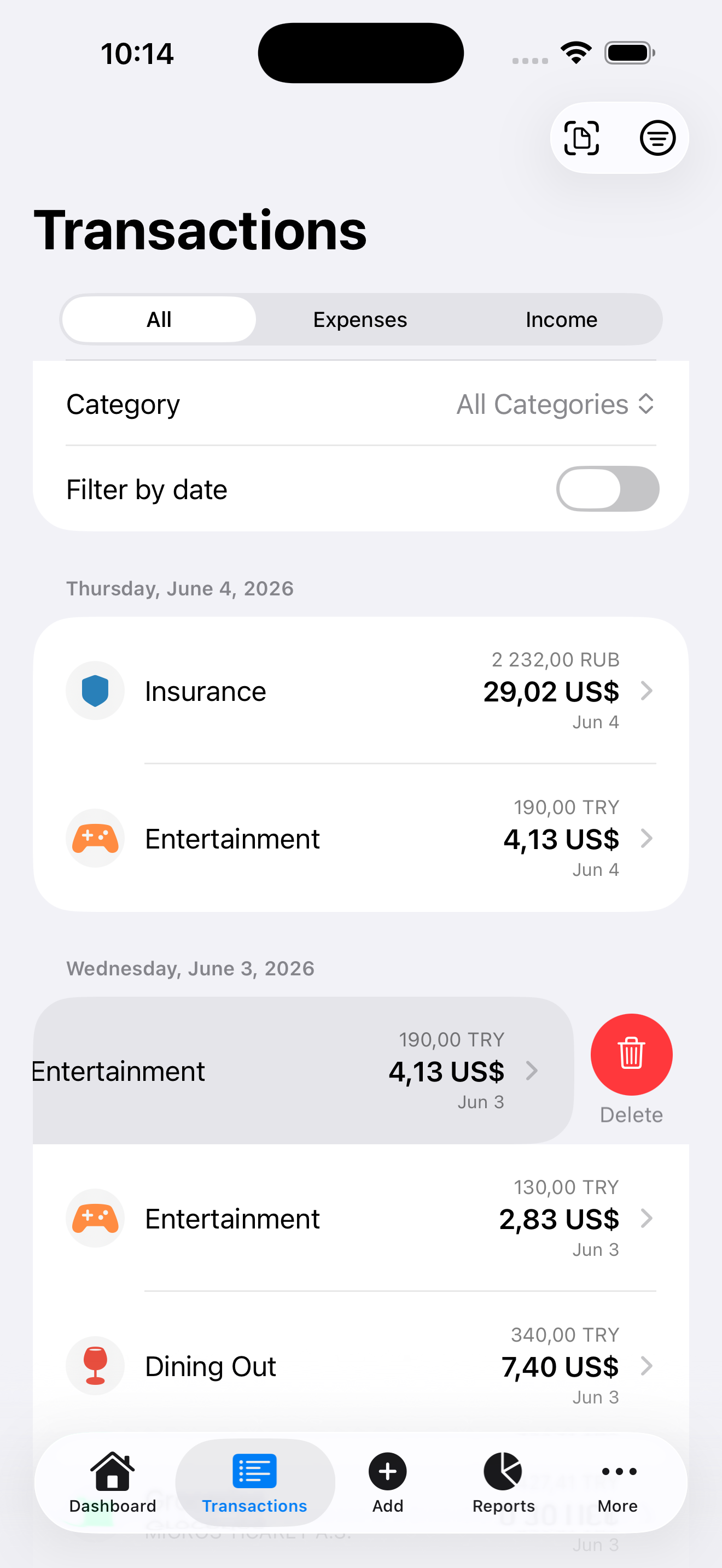
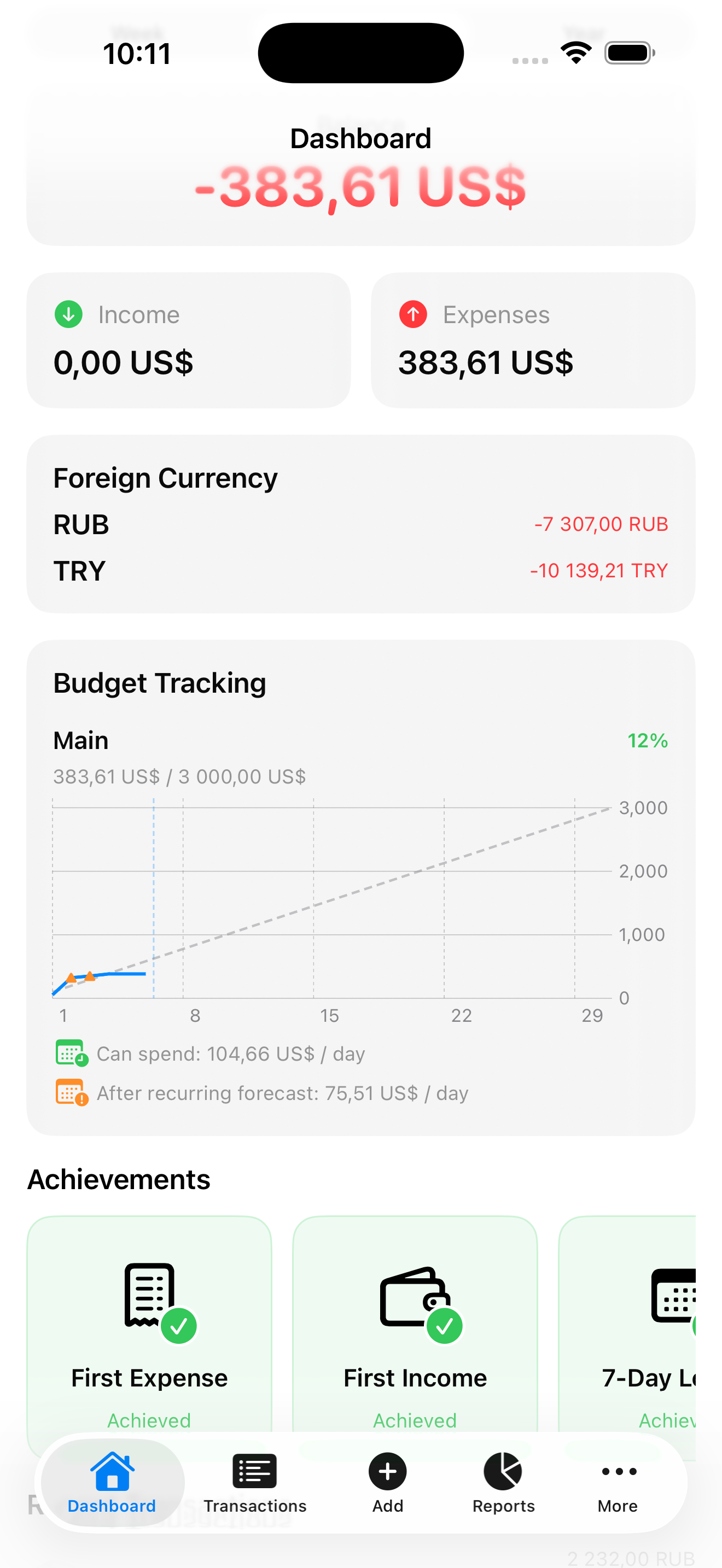
Every scanned receipt feeds the same dashboard as manual entries: category totals, budget burn-down, and recurring expense forecasts. The point is not a tidy receipt archive - it is knowing whether your daily spending still fits the monthly budget.